Electrically intelligent tree
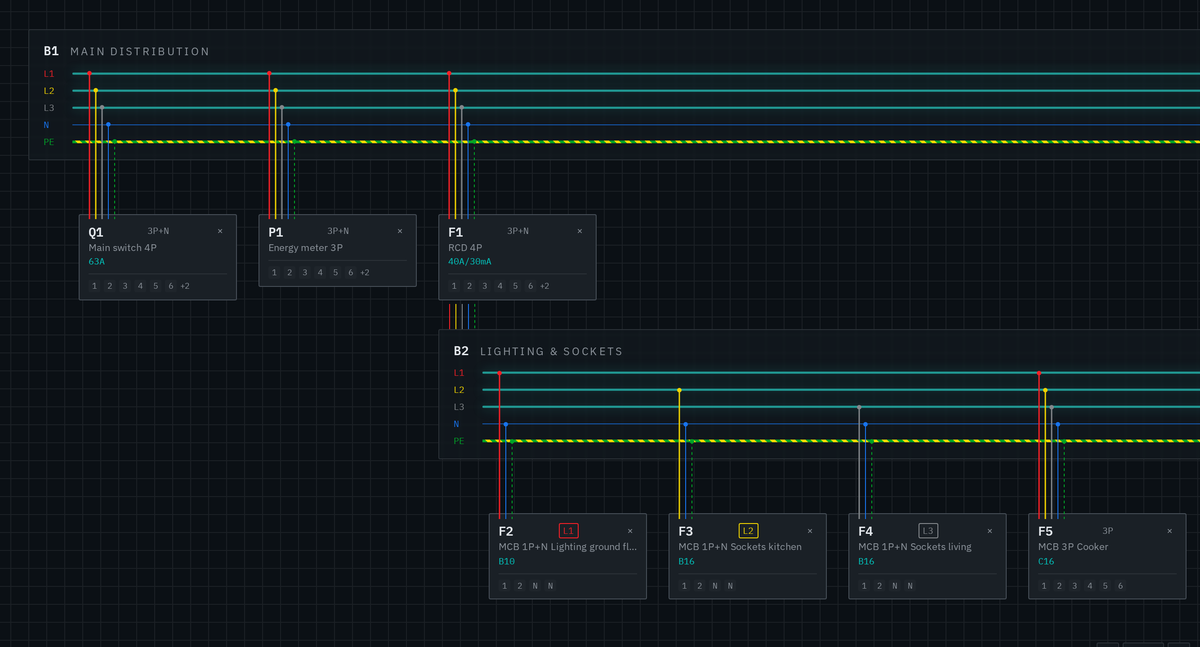
Every drop is checked against the real topology: service type, overcurrent protection, legs and neutral carry downstream automatically.
Hover to previewA browser-based panel designer built on a real electrical topology instead of loose shapes. Drop a breaker and it inherits the service, legs and grounding — or gets rejected with the NEC article that says why.
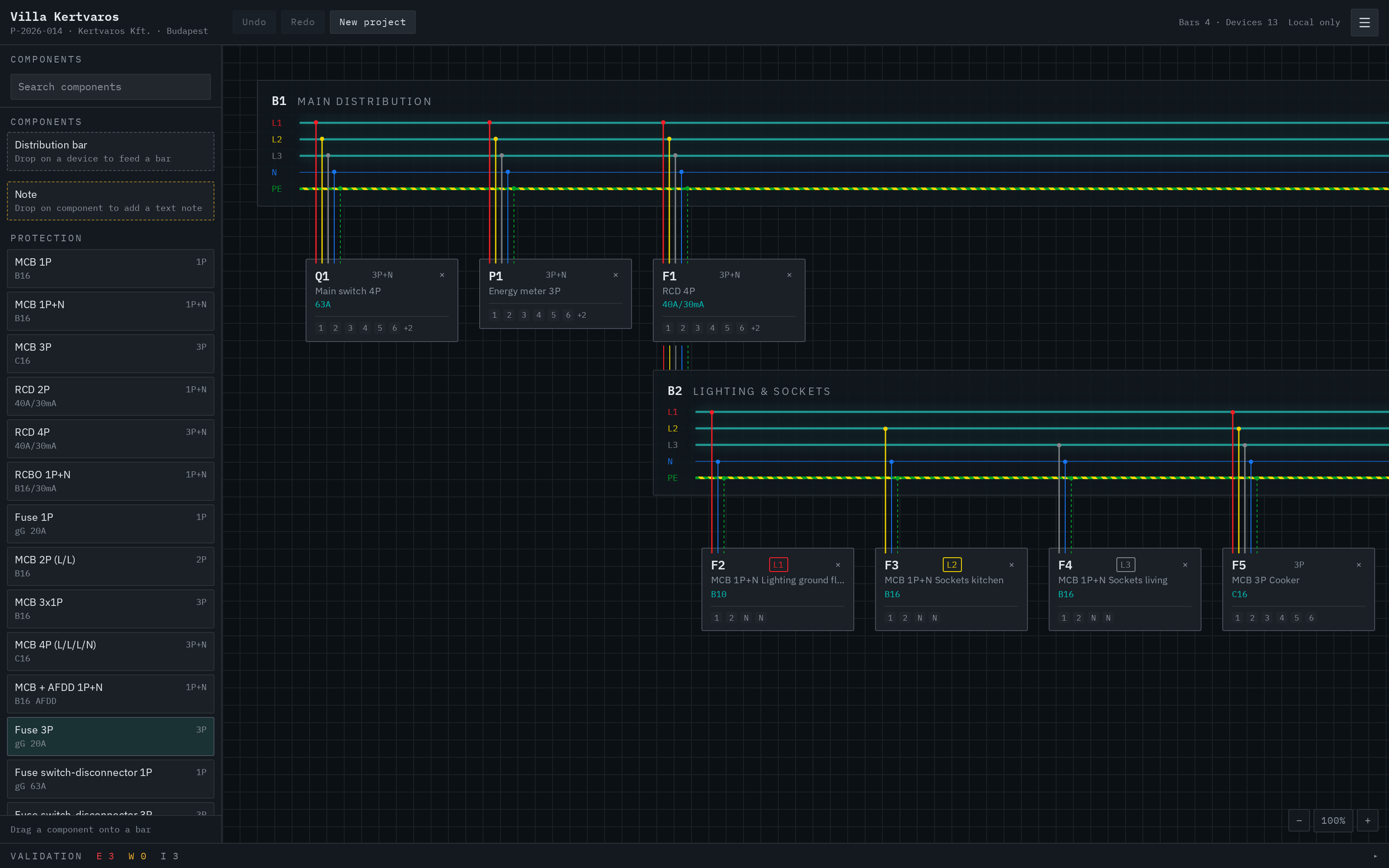
A topology-aware editor that treats every device as an electrical object, not just a shape on a canvas.
Every drop is checked against the real topology: service type, overcurrent protection, legs and neutral carry downstream automatically.
Hover to previewMissing GFCI, unprotected receptacle circuit, breaker larger than the conductor allows — errors cite the article (210.8, 210.12, 240.4(D)) as you draw.
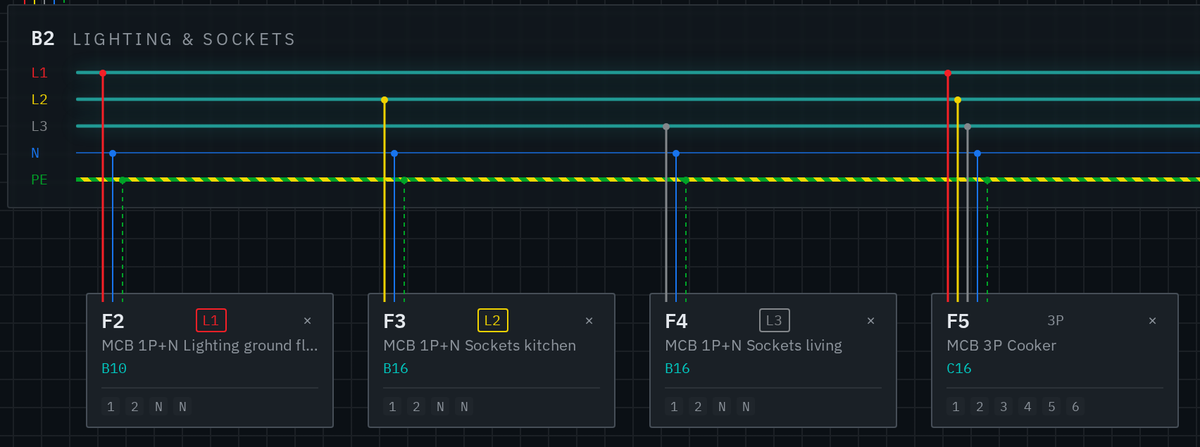
Hover to preview120/240 V split-phase, 208Y/120, 480Y/277 and 240 V delta with high-leg awareness, leg balancing and correct black/red/blue, white and green wiring.
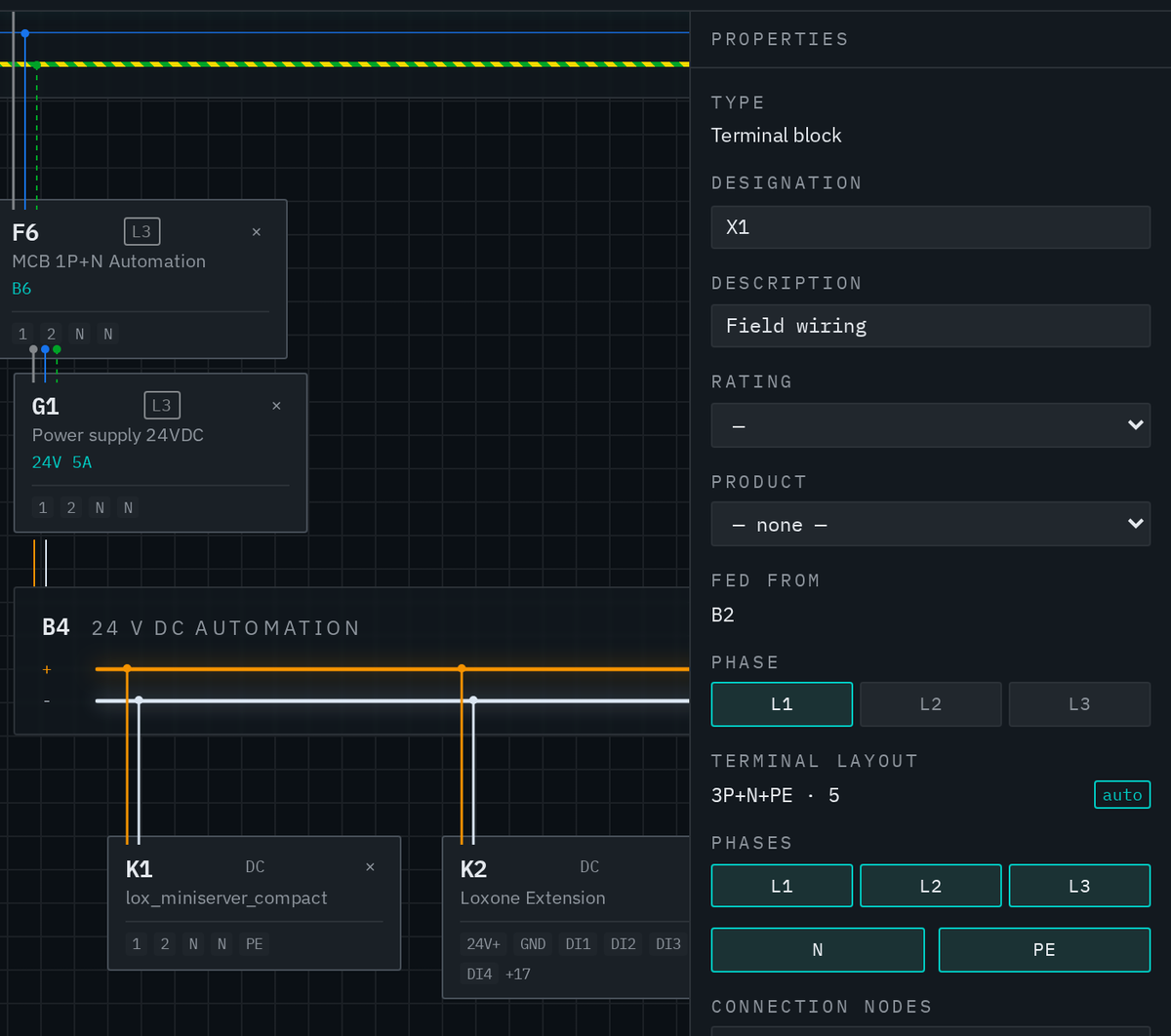
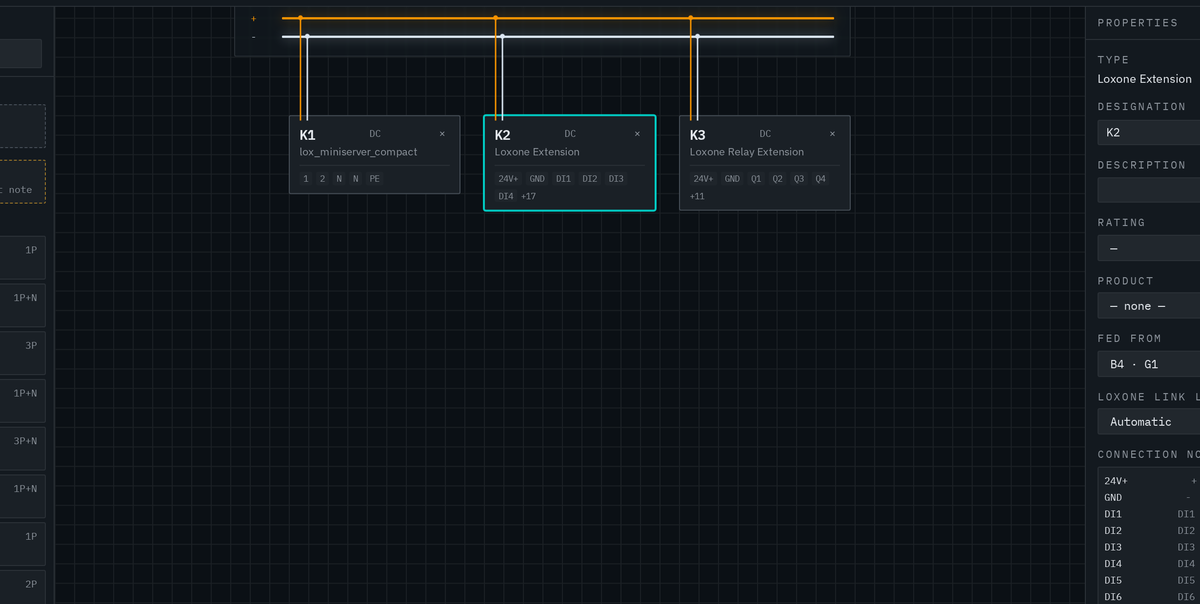
Hover to previewTerminal blocks adapt to their feeder — poles, neutral, ground or 24 V DC +/− — and number themselves as -X1:1, -X1:2 per strip.
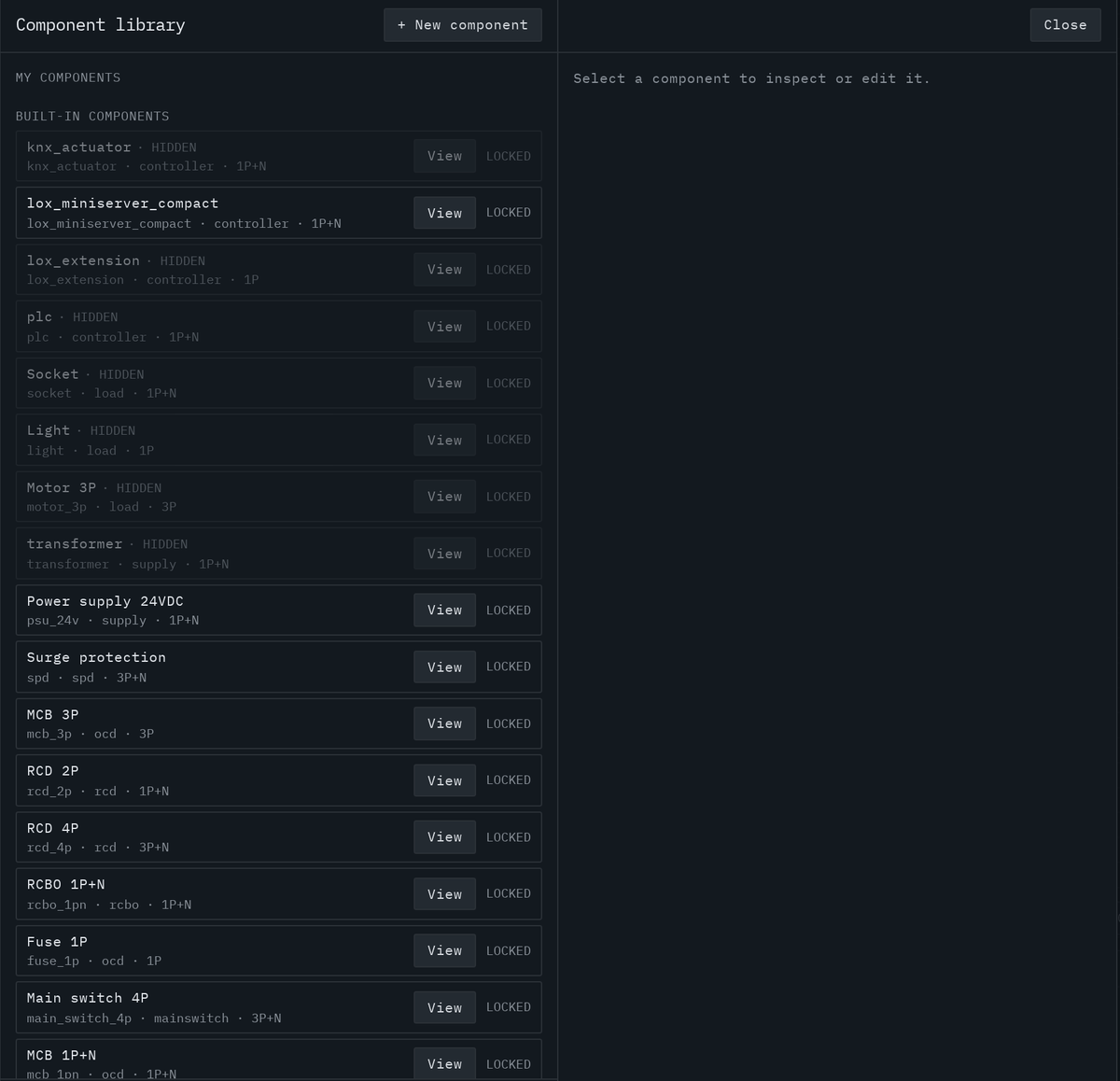
Hover to previewA device library with terminal-level editing, ratings from real breakers and shared parts managed by your admin.
Hover to previewLoxone Link, Tree, KNX and Modbus channels drawn as reference arrows you can click to jump between both ends.
Hover to previewPick 120/240 V, 208Y/120 or 480Y/277, set project data, then drop the main breaker.
Drag breakers, GFCI/AFCI devices, power supplies, meters and loads onto panels or straight onto a device.
NEC validation runs continuously; terminals and device tags renumber on their own.
BOM as CSV or Excel with vendor pricing, plus an ANSI/IEEE or IEC 60617 schematic PDF.
Assign real products and vendors to your virtual devices, then generate a purchasable parts list — grouped by identical items, with order codes, pricing and a project total. The schematic export is drawn from the model as vectors, one-line or full three-line, on framed ANSI sheets with a title block.
Panel Designer is in private beta. Leave your email and we'll open your account as soon as there's a seat free.